TAM Integrations
This article is part of the "Full-cycle CRM Optimization" series.
Your CRM is only as good as the market it knows
You've audited the CRM. You've cleaned the data. You've enriched what was already there. Now comes the question most companies get wrong: what accounts should actually be in your CRM in the first place?
That's what a TAM Integration is: building the complete universe of companies you could sell to, scraping and enriching it from reliable sources, validating it with the business, and importing it into the CRM with the right structure, segmentation, and routing so sales can activate it from day one.
TAM stands for Total Addressable Market. But the word "total" is misleading. The goal isn't volume. It's coverage with precision: every account that matches your ICP, with the data points that actually matter for your sales motion.
What you should get at the end (the deliverables):
a TAM Scope Document (which segments, what criteria, what data sources)
a Structured TAM Database (clean, enriched, segmented, CRM-ready)
an Import & Deduplication Plan (field mapping, merge rules, assignment logic)
a Refresh Policy (how you keep the TAM current over time)
If those aren't clearly produced, you just bought a list. And lists rot.
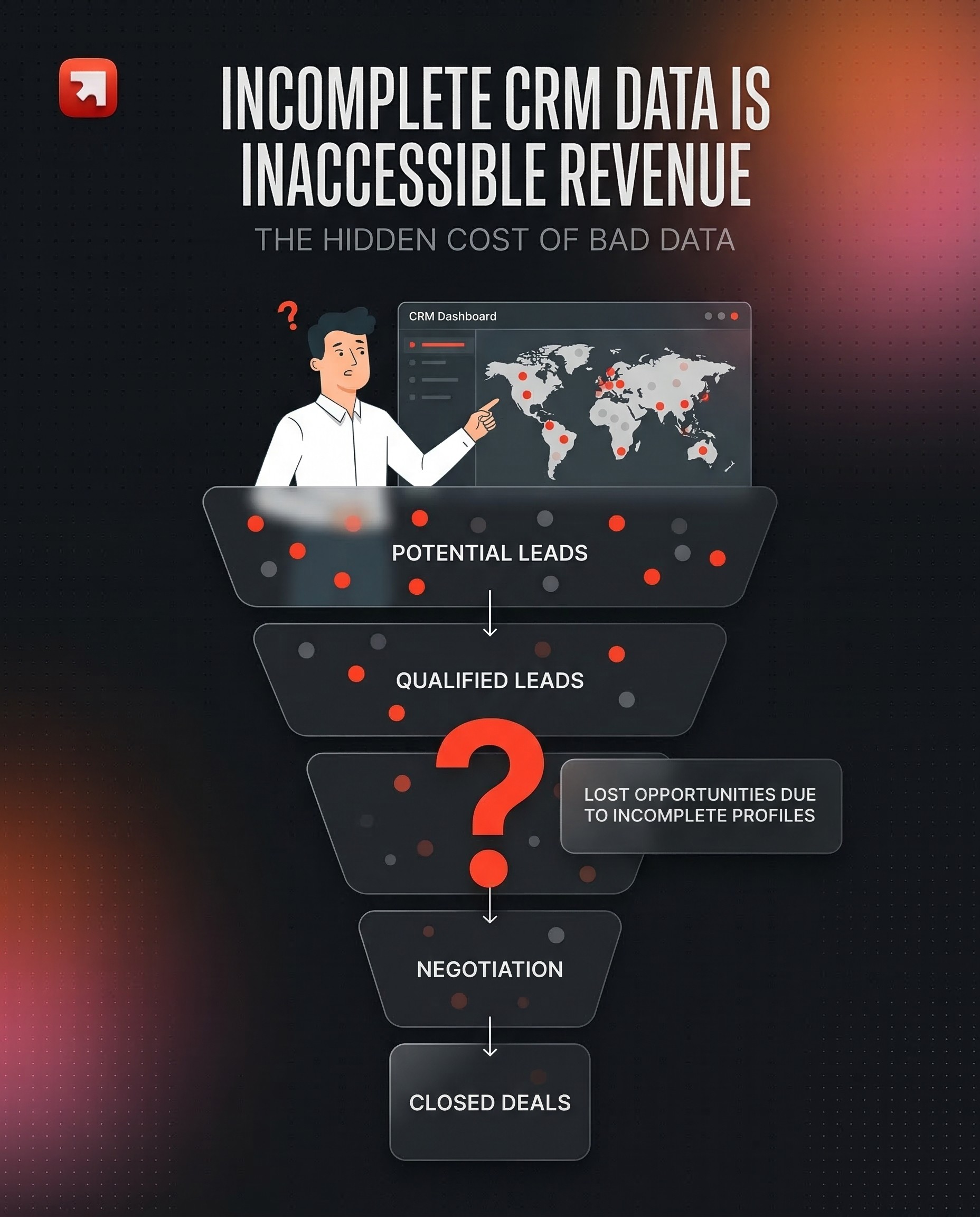
Why most TAM builds fail (and why yours doesn't have to)
1. The "dump 50K accounts into the CRM" trap
In 2026, scraping all of LinkedIn, stacking basic firmographic data, and pushing 50,000 accounts into HubSpot or Salesforce hoping sales will sort through it, that's exactly what kills conversion rates. B2B contact data decays at roughly 22.5% per year on average (Marketing Sherpa), and some industries see rates of 30% or higher. If you import a massive, poorly segmented TAM without activation logic, you're building a database that's already rotting the moment it lands.
The real problem isn't the size. It's that generic firmographic TAMs (industry + headcount + geography) produce accounts that look good on paper but have no operational value. Sales can't prioritize them. Marketing can't segment them. RevOps can't route them. Everyone defaults to gut feeling.
2. What a well-built TAM actually changes
When the TAM is tightly aligned with the business, built from the right sources, enriched with the right data points, and imported with clear scoring and routing, the downstream effects compound:
Sales knows who to call and why. Not "here's a list." Instead: "here are your Tier 1 accounts, pre-scored, with 3–5 mapped contacts, assigned to your territory."
Marketing can segment by reality, not guesswork. Campaigns hit accounts that actually match the ICP, instead of broad audiences diluted by irrelevant records.
Forecasting becomes credible. If you know your TAM size per segment, you can calculate realistic penetration rates instead of inventing targets.
Data quality improves upstream. A clean TAM import raises the overall quality bar of the CRM because every new record enters with validated, standardized data.
The research confirms the cost of getting this wrong: poor data quality costs organizations an average of $12.9 million per year (Gartner), and inaccurate B2B data wastes roughly 27.3% of a sales rep's time (EBQ). A well-built TAM is one of the highest-leverage fixes for both problems.
THE STAGES
The TAM Build Execution Plan (7 steps)
Step 1: Audit the existing CRM (what do you already have?)
Before scraping anything, you need to understand what's already in the CRM. This is the same audit logic from our Audit article, but applied specifically to your TAM:
Coverage: how many of your target accounts are already in the CRM? What percentage of your ICP is represented?
Quality: of the accounts you have, how many are actually usable? (filled key fields, no duplicates, correct segmentation)
Gaps: which segments, geographies, or verticals are missing entirely?
This step prevents the most common TAM mistake: importing accounts you already have, creating duplicates, and polluting dashboards.
A useful exercise: export your current account base, map it against your ICP criteria, and calculate the coverage gap. That gap is what the TAM build needs to fill.
Step 2: Define the TAM scope with the business
This is the strategic step most teams rush through. The TAM scope should answer:
Who is your ICP? Not a vague persona: specific, measurable criteria. What industry, sub-industry, size indicators, geographic scope, and exclusion rules define a target account?
What segments exist within the TAM? Not every account deserves the same treatment. Segment by potential value, strategic fit, or go-to-market motion (e.g., independent brokers vs. mid-market vs. enterprise).
What data points do you need beyond firmographics? This is where differentiation happens. Depending on your business, the critical data might be: license types, regulatory registrations, technology stack, number of physical locations, recent fundraising, specific certifications, or hiring patterns.
The output is a TAM Scope Document that both the ops team and the business validate before any scraping begins.
The key insight: the more specific the data points, the more actionable the TAM. A TAM with industry + headcount is a starting point. A TAM with license type + regulatory status + distribution channel + revenue estimate is a targeting weapon.
Step 3: Identify data sources (this is where it gets hard)
Here's the truth: most valuable TAM data doesn't live in a single tool you can subscribe to.
For well-covered verticals (SaaS selling to other SaaS companies), tools like LinkedIn Sales Navigator, Apollo, or ZoomInfo give you reasonable coverage. But the moment your ICP is niche, regulated, or non-tech, the data you need is scattered.
Common data source categories:
Public registries and government databases. Industry-specific: ORIAS for insurance brokers in France, BAFIN in Germany, DGSFP in Spain, FSMA in Belgium, IVASS in Italy. These are the official sources of truth for regulated industries. Similar registries exist in healthcare, finance, real estate, and other sectors.
Association directories. Trade associations, professional bodies, and certification databases often have member lists that are more accurate than any commercial data provider.
Web scraping and SERP research. For niche verticals, sometimes the best data comes from systematically crawling company websites, review sites (like Google Maps or Trustpilot), or running search queries designed to surface specific company types.
Government APIs and open data. In France, data.gouv.fr and the Annuaire du Service Public. In other countries, equivalent open data portals. These give you unique identifiers (SIREN, SIRET, VAT numbers) that no commercial tool provides.
Commercial data providers. LinkedIn Sales Navigator, Apollo, ZoomInfo, Clearbit, still useful, but as enrichment layers on top of your primary sources, not as the foundation.
The principle: start with the most authoritative source for your vertical, then layer enrichment on top. Don't start with a commercial provider and hope it covers your niche.
Step 4: Scrape a sample and validate with the client
This is the most important quality gate in the entire process, and the one that separates a good TAM build from a bad one.
Never scrape the full TAM in one shot. Instead:
Pull a limited sample (100–500 records) from your identified sources.
Enrich the sample with the data points defined in the scope.
Present it to the client team: "Is this the right data? Are these the right companies? Are the data points useful for your sales motion?"
Iterate based on feedback. Edge cases always surface at this stage: companies that look like they match the ICP but don't, data points that seem complete but aren't actionable, segments that need finer granularity.
This back-and-forth is where the TAM gets calibrated to reality. Skip it, and you'll import thousands of records that look clean but don't serve the business.
Step 5: Full TAM scrape and enrichment
Once the sample is validated, you run the full pipeline:
Scrape from all identified sources across all target geographies.
Standardize company names, industry codes, identifiers, and any custom fields. This is critical when working across multiple countries, the same concept (e.g., "insurance broker") may be categorized differently in each national registry.
Enrich with additional data points: website, LinkedIn URL, revenue estimates, employee count, technology indicators, review scores, or whatever the scope document defines.
Deduplicate against existing CRM records and within the scraped data itself.
The tooling varies by project. A typical stack: custom Python scripts for registry scraping, SERP research (via tools like HasData or custom APIs) for company validation, LLM-powered agents (on n8n or similar workflow platforms) for parsing unstructured data, and enrichment providers like FullEnrich or Apollo for contact-level data.
The important point: no single tool does this end-to-end. A serious TAM build is a data engineering operation, not a subscription.
Row-by-row enrichment matters. Iterating one record at a time catches errors that bulk enrichment misses, wrong industry classifications, subsidiary vs. parent confusion, outdated registrations. It's slower upfront but far more accurate at the end.
Step 6: Import into the CRM (the technical part everyone underestimates)
A clean TAM file is worthless if the import breaks the CRM. This step requires:
A) Field mapping
Every field in the TAM file maps to a specific CRM property. Before importing:
Define which fields are new vs. existing.
Set overwrite rules: does the TAM data override existing values, or only fill empty fields?
Create dedicated import fields if needed (to preserve existing data during validation).
B) Deduplication logic
The import must check for existing records in the CRM. Matching criteria depend on the object:
Companies: match by domain/website first, then by unique identifiers (SIREN, registration number), then by name + location as a fallback.
Contacts: match by email first, then by LinkedIn URL, then by name + company.
Any near-duplicates should be flagged for manual review, not auto-merged.
C) Assignment and routing
Imported accounts need owners. Define the routing logic before import:
Territory-based assignment (geography, segment, account tier)
Round-robin within territories
Ownership inheritance from existing relationships
D) Tagging and segmentation
Every imported record should carry:
A TAM import tag (date + source, for traceability)
Segment/tier classification
ICP match score (if scoring is already in place)
Step 7: Sanity check + feedback loop
After import, run a structured quality check:
A) Verify the numbers
Total records imported vs. expected
Duplicate rate (how many were caught, how many slipped through)
Fill rate on critical fields
Assignment distribution (are accounts balanced across reps/territories?)
B) Validate with the team
The people who will use this data every day, SDRs, AEs, sales managers — are the final validation layer. But this only works with clear enablement:
What was imported and what changed
How to use the new segmentation fields
Where to report data issues
What the refresh cadence looks like
C) Build dashboards to monitor TAM health
Track over time: TAM coverage by segment, fill rate on key fields, account activation rate (how many imported accounts are being worked), and data freshness.
The feedback loop is the most underrated part of the process. A perfectly built TAM that sales never uses is wasted effort. A TAM is not a deliverable, it's infrastructure that needs to live in the CRM and get activated daily.
TAM Refresh: because a TAM is a living asset, not a deliverable
A TAM that isn't refreshed is a slow-motion data graveyard. B2B data decays at roughly 22.5% per year on average, and in fast-moving industries, the rate can reach 30% or higher (Cognism).
A practical refresh cadence:
Tier 1 → assigned accounts: refresh monthly (re-validate key fields, check for company changes, enrich new contacts)
Tier 2 → pipeline accounts: refresh every 2–3 months
Tier 3 → long-tail TAM: refresh quarterly or after each major market event
What a refresh pass should check:
Registration validity: is the company still active in the relevant registry? (critical for regulated industries)
Contact freshness: have key contacts changed roles or left?
Firmographic changes: has the company been acquired, merged, or gone through significant growth/contraction?
New entrants: are there new companies in the market that should be added to the TAM?
The refresh isn't a "nice to have." It's the difference between a CRM that stays decision-grade and one that slowly becomes a list of ghosts.
What "good" looks like after TAM integration
After a well-executed TAM build and import:
Your entire addressable market is visible in the CRM. Not in a spreadsheet, not in someone's head, in the CRM, segmented, scored, and assigned.
Sales reps open their CRM and know who to call. Accounts are tiered, contacts are mapped, and the data is fresh enough to personalize outreach on day one.
Marketing campaigns target real ICP accounts, not broad audiences padded with irrelevant records.
Pipeline forecasting has a denominator. You know the total TAM size per segment, so you can calculate penetration rates and set realistic targets.
A refresh cadence is running, so the TAM doesn't rot and the investment compounds over time instead of decaying.
You're not "importing a list." You're building the targeting infrastructure that makes every downstream sales and marketing motion more effective.